
Almost every Indian wedding now has someone who cannot be there: a grandmother who cannot travel, cousins studying abroad, friends stuck at work in another city. Wedding live streaming lets them watch the pheras or the sangeet as it happens, from anywhere. Setting it up well takes a little planning, and the difference between a stream people love and one they give up on is usually decided before the wedding day.
Pick a setup that matches your wedding
A phone on a tripod with a good internet connection covers an intimate function. For a larger wedding, a camera with an HDMI-out or a small multi-camera rig run by your photo-video team gives steadier framing and far better sound. Whatever you choose, sound matters more than picture: viewers forgive a soft frame, but they leave when they cannot hear the mantras or the speeches.
Choose where the stream lives
- An unlisted YouTube link: easy for every age group, works on smart TVs, and only people with the link can watch.
- A Zoom or Google Meet call: better when a few remote guests should also speak, bless or perform.
- A private streaming service through your videographer: useful when you want one team responsible for everything.
Whichever you pick, send the link with your digital wedding invitation or a day before on the family WhatsApp group, so nobody is hunting for it while the baraat is moving.
Internet and power decide everything
Test the connection at the actual venue, at the actual time of day if you can. A dedicated hotspot or a wired line reserved for the stream is safer than the venue’s shared guest WiFi, which slows exactly when the hall fills up. Keep chargers, a spare power bank and a backup phone ready, and agree in advance who watches the stream health during the ceremony so the couple never has to think about it.
Keep it private and respectful
Use unlisted or private settings rather than a public stream, and check that chat or comments are set the way your family prefers. Families differ on what they are comfortable showing online, and some rituals may be kept off-camera entirely in yours; decide this together before the day, not during it. Also tell guests watching remotely whether recordings will be available later, so nobody feels they must screen-record.
Fit the stream into the photo plan
A camera streaming from the wrong spot can block your photographer’s angles, and a photographer crossing the frame can ruin a remote viewer’s moment. Share the streaming plan inside your wedding day timeline so both teams work around each other. Remote guests often want to send wishes afterward; pairing the stream with an easy way to collect photos and messages from guests keeps everyone involved, near or far.
Plan your wedding coverage with us
We photograph and film weddings across Indore and Madhya Pradesh, and we can help you plan streaming that does not fight your photography. Call or WhatsApp The Wedding Panchnama on 9877777695.
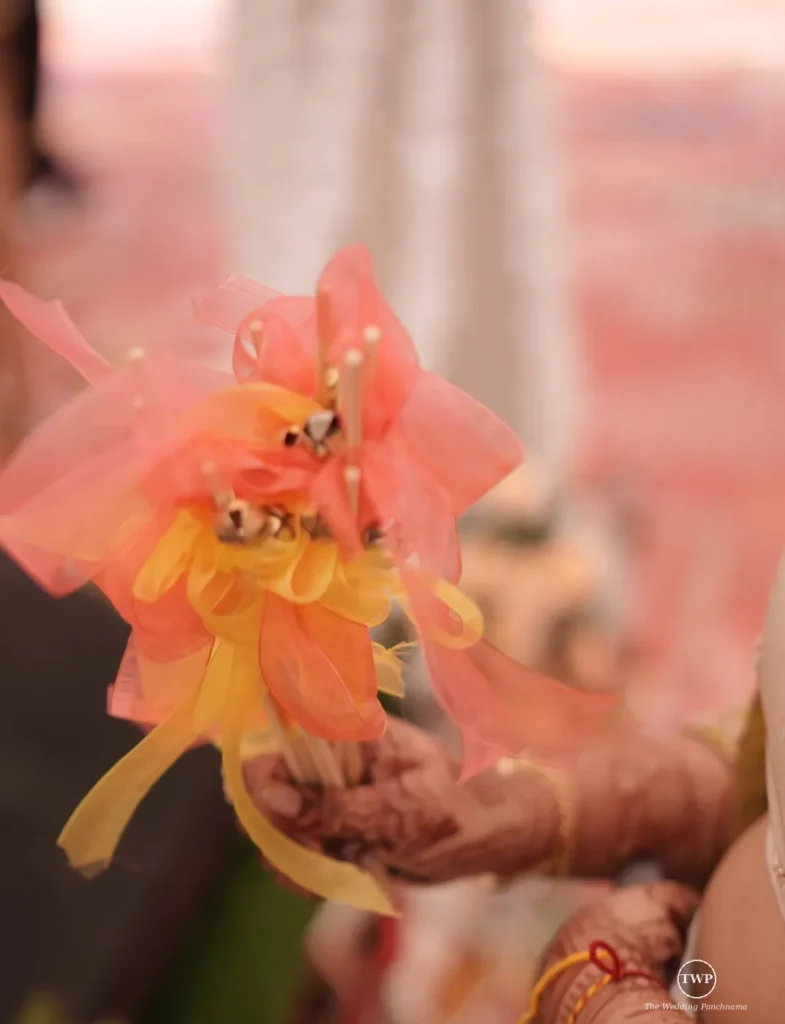
Photo: The Wedding Panchnama.